
WANT TO
ELEVATE YOUR
ONLINE PRESENCE?
RevCards will assist you in enhancing your Google reviews.
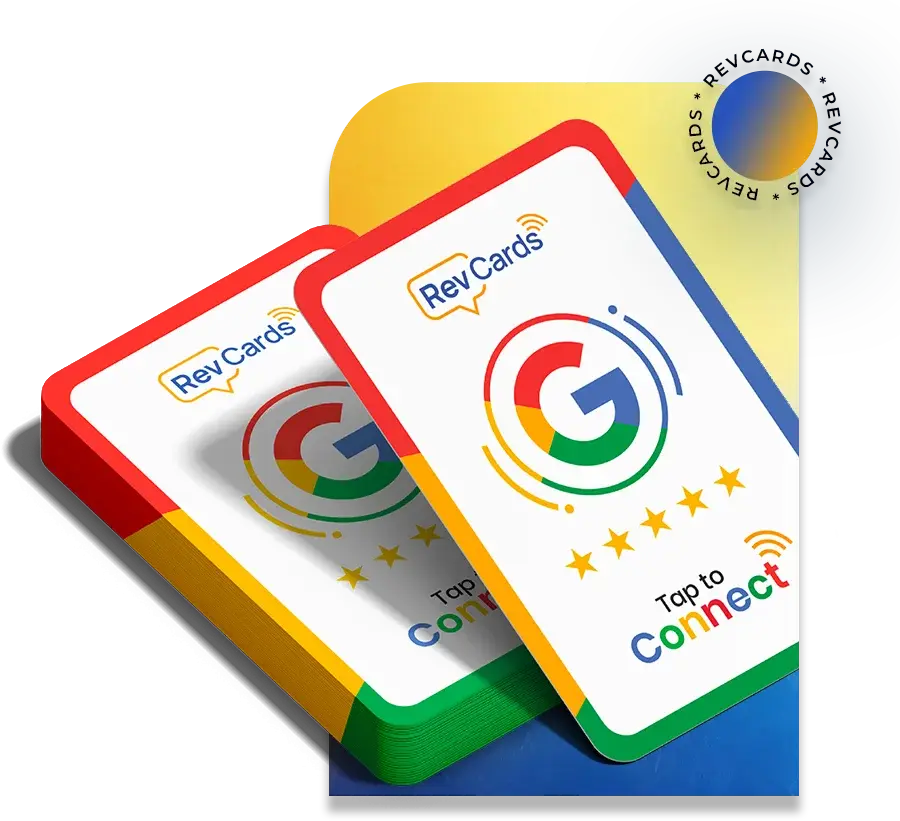
Google Review Cards
A Google Review RevCards is the EASIEST way to increase your businesses reputation. Simply tap your RevCards onto your customers phone, and they’ll be taken instantly to your Google Review page.
No longer do you have to rely on emailing a link to people to request a review, or simply just asking them. This card makes the process simpler, increases your chances of a 5 star review and can be done within seconds.
*Customers must have a Google Account to leave a review – this is due to how Google operates. Most people however do have a Google Account without realising, this card will load up with their account IF they do have one.
The Simplest Way to Expand Your Local Business

Customer Experience
With a single tap, customers can easily provide feedback, creating a convenient and straightforward experience.

Increased Review Volume
By improving accessibility and simplifying the process, it is now easier than ever to provide feedback.

Verified Feedback
Authentic and reliable reviews are effortlessly gathered through our NFC card.

Enhanced Brand Reputation
Positive Google reviews enhance reputation by increasing visibility and cultivating trust.
When Can You Use Our RevCards?


Google My Business
Optimisation Services
Optimising your Google My Business profile is a strategic necessity in the quest to standing out among competitors. From enhancing visibility in local searches to fostering trust and credibility among your audience, a well-optimised GMB profile is the cornerstone of a robust online strategy.
Interested in buying in bulk?
See our wholesale prices:
No. of cards | Price |
|---|---|
| 6-100 | £18/per card |
| 101-500 | £15/per card |
| 500-1500 | £12.50/per card |
| 1500-5000 | £10/per card |
| 5000 & above | £7/per card |
Minimum Order of 50 to add Custom Logo*
Google Review Cards
Google Review Card FAQs for UK Businesses
Find answers to common questions about Google review cards, including how they work, smartphone compatibility, review links, card lifespan and how they can help UK businesses collect more genuine Google reviews.
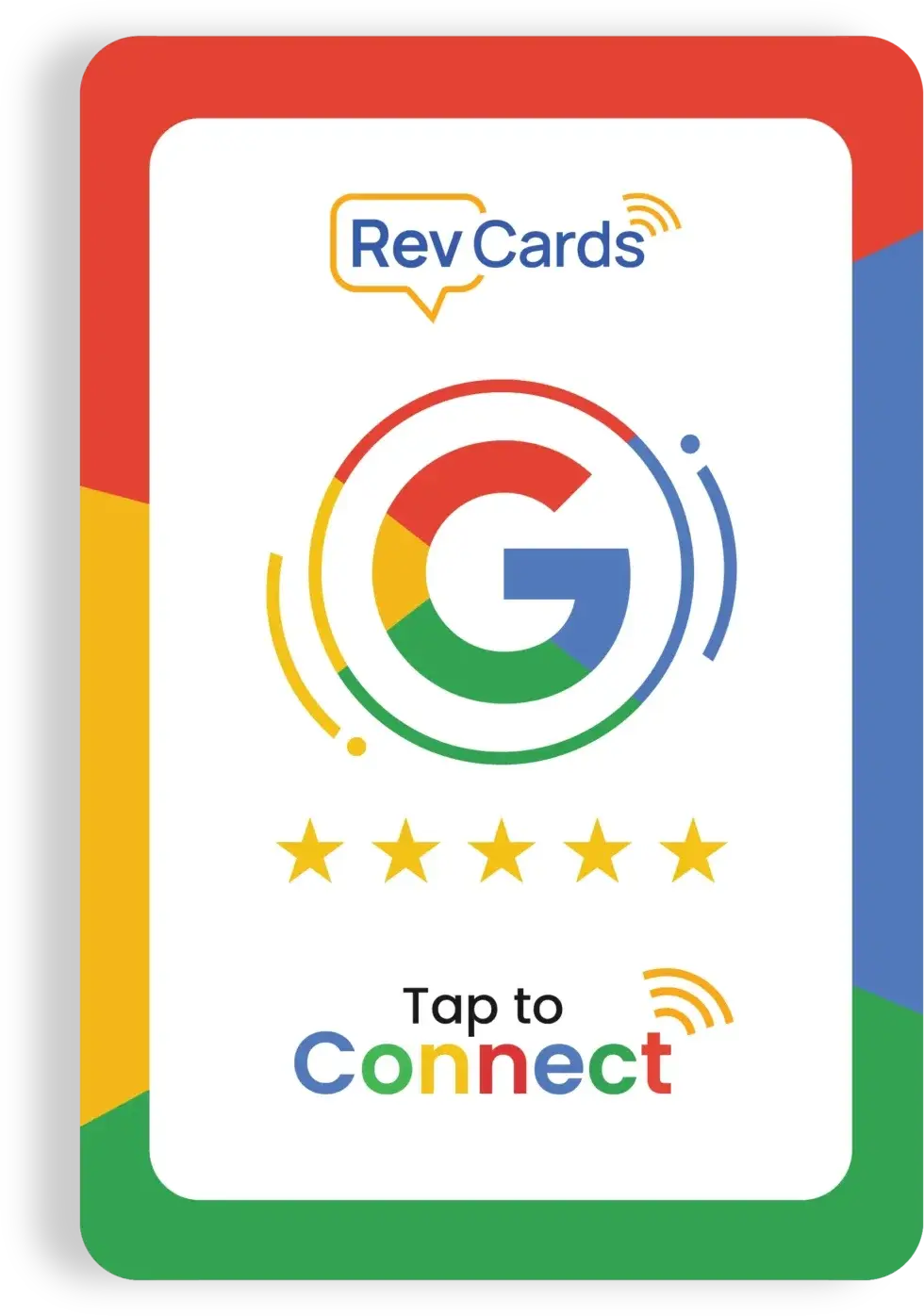
A Google review card is an NFC-enabled card linked directly to your Google Business Profile review page. Customers tap the card with their smartphone or scan the QR code, and they are taken to the page where they can leave a review.
A Google review card makes the review process quicker and easier by removing the need to search for your business online. You can present the card immediately after completing a service, helping more genuine customers share their experience while it is still fresh.
Google officially allows businesses to request reviews using links and QR codes.
RevCards work with most modern NFC-enabled iPhone and Android devices. Customers simply hold their phone near the card. Where NFC is unavailable or switched off, they can scan the printed QR code instead.
No app is required. Tapping or scanning the RevCard opens the business’s Google review page in the customer’s browser or Google Maps. Customers must be signed into a Google Account before they can publish a review, although the account does not need to use a Gmail address.
The card itself is not a direct ranking factor. However, it can help your business collect more genuine customer reviews, which may strengthen trust, engagement and prominence around your Google Business Profile.
Google explains that local results are primarily influenced by relevance, distance and prominence. Therefore, review cards should support a broader local SEO strategy rather than being presented as a guaranteed ranking solution.
Yes. Businesses can ask genuine customers to leave honest reviews using a review link, QR code or NFC card. However, you must not pay customers, offer discounts or provide free products in exchange for reviews.
Reviews must reflect a genuine customer experience. Incentivised, misleading or fake reviews can be removed by Google.
There is no fixed limit on the number of customers who can use a RevCard. The same card can continue directing customers to your Google review page, allowing you to request genuine feedback whenever you complete a service or transaction.
RevCards are designed for ongoing use and the current card link remains valid for life, provided the connected Google review URL does not change. The card does not need charging because the NFC chip is activated by the customer’s smartphone. The lifetime claim is already stated on the current homepage.
The current RevCard link cannot be edited once the card has been programmed. If your Google review URL changes, you will need a replacement card connected to the updated link.
Google review cards can be used at reception desks, tills, counters, appointments, events or immediately after completing a service. The best time to present the card is after a genuine customer interaction, when the experience is still fresh.
Google also recommends displaying review QR codes in stores and including them on receipts or within follow-up communications.
How many testimonials can I collect using Revcard?
There is no limit to the number of reviews you can compile with Revcard.
So, the response is: A limitless supply of reviews!
Can I amend the Revcard hyperlink?
Not at all; there is no way to modify the link.
You will need to suggest an alternative card using the updated URL.
What is the Revcard's validity period?
When you receive a Revcard, it is valid for life!
Do Google Review Cards influence the search rankings of my business?
While Google Review Cards themselves do not directly affect search rankings, possessing favorable reviews and high ratings on your Google My Business profile can indirectly impact your search visibility. Positive reviews bolster your business’s reputation, which can result in heightened customer trust and engagement.
Is it possible to integrate a Google Review Card into social media platforms?
In the majority of instances, social media platforms do not facilitate the direct embedding of Google Review Cards. Nevertheless, you can capture screenshots of your review card and share them as images on social media platforms to showcase favourable reviews and ratings. Moreover, you can incorporate a link to your Google My Business profile in your social media bio or posts to urge users to explore your reviews.
Smartphone NFC Reader Guide
Locate your NFC Reader on your Smartphone Device
Near Field Communications (NFC) can now be read by the majority of modern smart devices, and it allows data on TravelMaster products to be transferred onto a compatible Smartcard.